


Split Tunneling arrives in Portmaster 2.2.1

BLOG -
17. Jul 2026
Out of the box, Portmaster blocks incoming connections, filters trackers and malware hosts, and routes all DNS queries over TLS. Every setting is configurable if you need finer control.
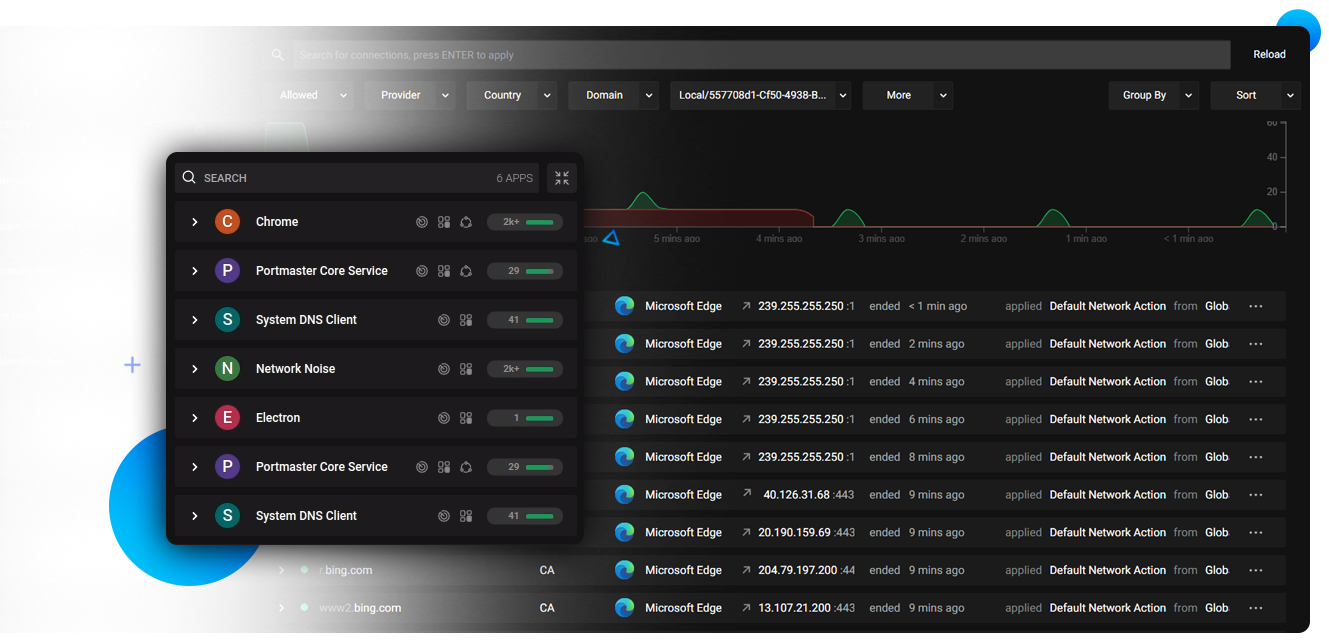
See every network connection your applications make in real time. Identify unexpected or unwanted connections and block them individually or by rule.
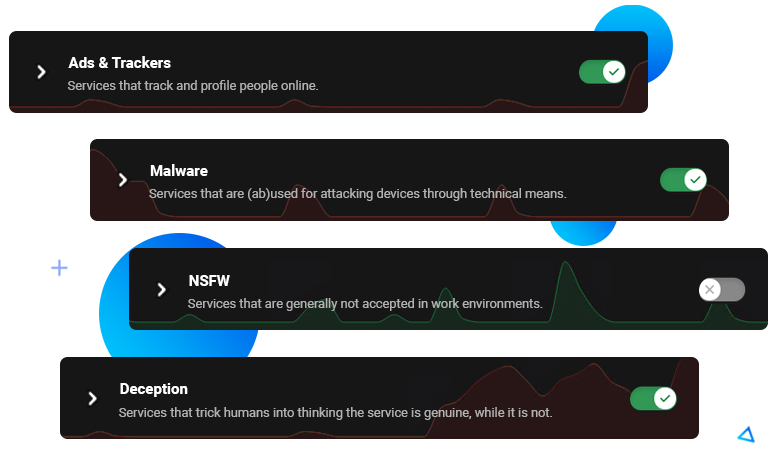
Block ads, trackers and malware hosts system-wide. Portmaster does this by default and uses trusted filter lists, which are also used by Ad-Blockers, etc. Easily change the defaults to fit your needs.
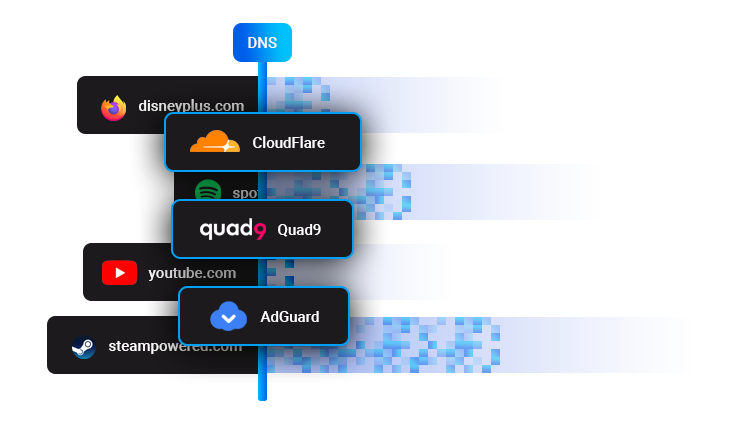
Unencrypted DNS queries expose your browsing activity to your ISP and network observers. Portmaster routes all DNS queries over DNS-over-TLS to a provider of your choice.

Portmaster is fully open source. Read the source code, audit the behaviour, or contribute. Documentation is available in the wiki.
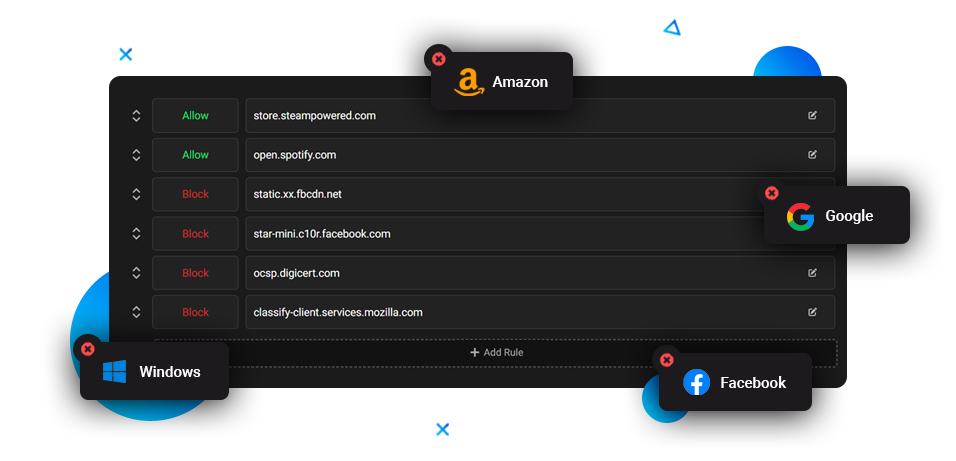
The defaults work for most users, but every setting is configurable. Adjust rules to match your specific needs and threat model.
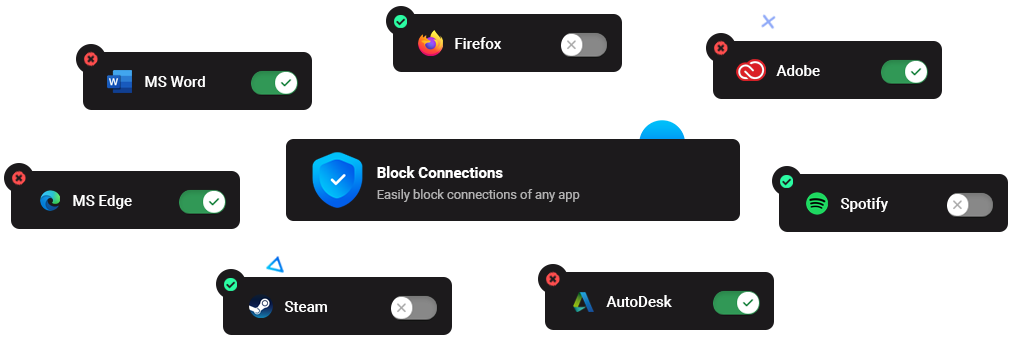
Cut off applications from the internet, block specific connection types, or restrict connections to certain countries per app or globally.
Portmaster is free and open-source. Read the source code or download and try it.
Seen and featured on
Read everything about the latest updates regarding Portmaster and Safing.